Qwen3-8B-8K 模型端侧部署
本项目基于 qai-appbuilder (QAI_AppBuilder)
https://github.com/quic/ qai-appbuilder.git
模型下载地址 (包含对应的上下文二进制文件)
https://www.aidevhome.com/?id=51
第一部分:Windows 平台使用
本部分介绍如何在 Windows 环境下配置并运行 Qwen3-8B 模型。
1.1 资源下载与准备
下载模型文件:
Qwen3-8B 骁龙 X Elite 平台 (8380) 模型下载
Qwen3-8B 骁龙 X2 Elite 平台(8480) 模型下载
将下载模型放置
qai-appbuilder\samples\genie\python\models目录下。下载 Genie 服务程序:前往 GitHub Releases 页面下载
GenieAPIService_v2.3.7_QAIRT_v2.44.0_v73.zip。解压文件:将下载的压缩包解压至项目代码目录
qai-appbuilder\samples下。
1.2 启动服务与运行示例
操作步骤:打开终端,进入 samples 目录,分别运行服务和客户端命令。
# 1. 进入目录
cd  qai-appbuilder\samples

# 2. 启动 GenieAPI 服务 (加载配置文件)
GenieAPIService_v2.3.7_QAIRT_v2.44.0_v73\GenieAPIService.exe -c "genie\python\models\qwen3-8b-8380\config.json" -l
成功启动会有日志
 [W] Model load successfully: qwen3-8b-8380
  [W] [LoadAllModelsFromConfig] Specified default_model 'Qwen3-8B-8K' not found in loaded models, keeping current default: qwen3-8b-8380
 [W] [LoadAllModelsFromConfig] Total models loaded: 0, default_model=qwen3-8b-8380
 [W] [ContentSecurityInspector] Extended rules loaded: local_path (R_PATH_UNIX, R_PATH_WIN)
 [W] [ContentSecurityInspector] Extended rules loaded: internal_url (R_INTERNAL_IP, R_INTERNAL_DOMAIN)
 [W] [ContentSecurityInspector] Extended rules loaded: device_id (R_MAC_ADDR, R_IMEI)
 [W] [ContentSecurityInspector] Extended rules loaded: image_data (R_BASE64_IMAGE)
 [W] [GenieRoutingGateway] Initialized, routing.enabled=1, local_model.enabled=1, cloud_model.enabled=0, use_local_model_fallback(sensitivity)=0
 [W] [ChatRequestHandler] GenieRoutingGateway initialized, routing.enabled=1, cloud.enabled=0
 [W] GenieService::setupHttpServer start
 [W] GenieService::setupHttpServer end
 [A] [OK] Genie API Service IS Running.
 [A] [OK] Genie API Service -> http://0.0.0.0:8910

# 3. 运行客户端进行测试
python test.py --prompt "how are you?" --stream
代码示例
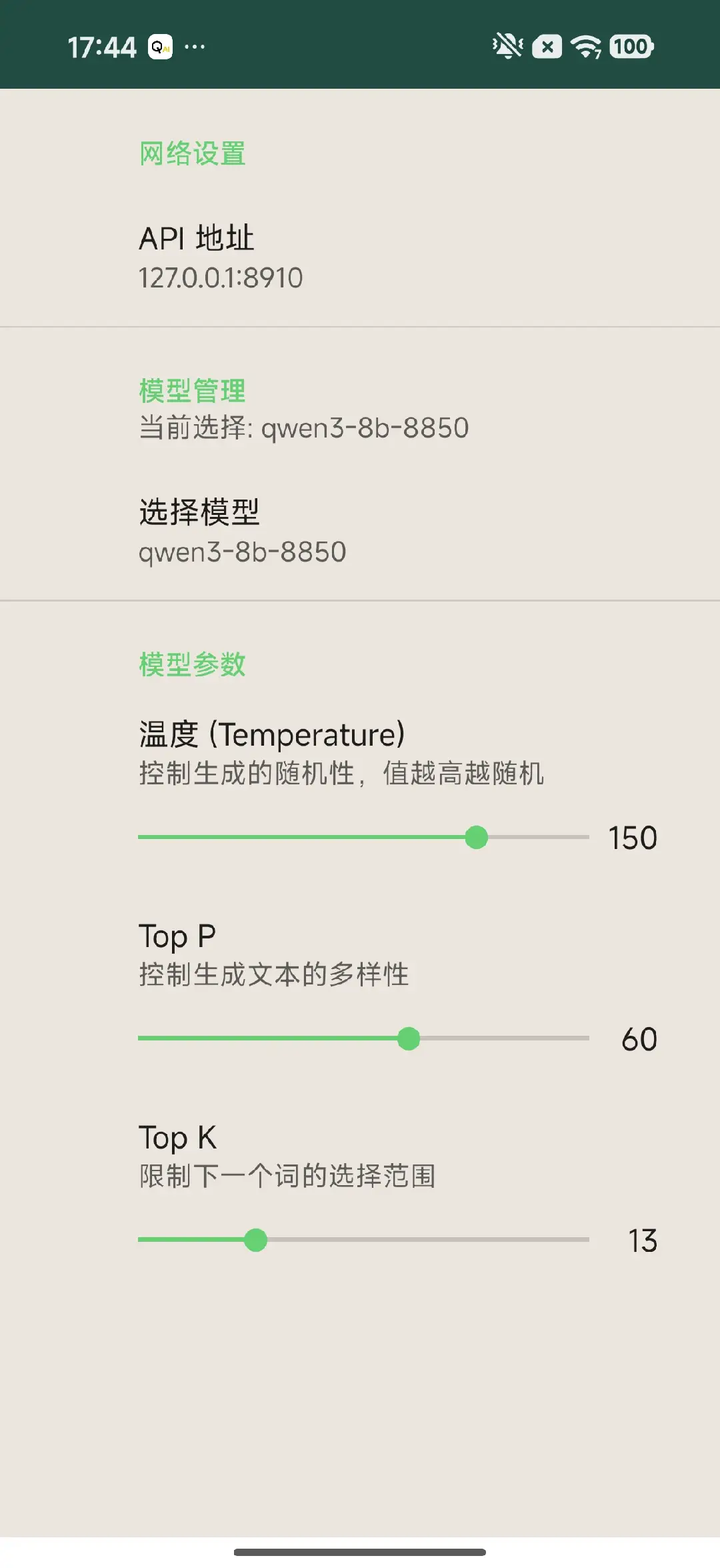
无论是在 Windows 运行 GenieAPIService.exe 还是在 Android 启动 GenieAPIService.apk,服务启动成功后都会显示一个 IP 地址和端口(例如 127.0.0.1:8910 或手机IP)。我们可以使用 Python 通过 OpenAI 兼容接口调用该服务。
1.3 环境准备
请确保已安装 openai 库。
pip install openai
1.4 Python 调用代码 (test.py)
创建一个 Python 脚本(例如 test.py),并将以下代码复制进去。请注意根据实际情况修改 IP 地址。下载链接如下:

import argparse
import base64
import requests
import os
from openai import OpenAI

# --- 配置 ---
IP_ADDR = "127.0.0.1:8910"
MODEL_NAME = "qwen3-8b-8380"  # 替换为实际模型名称
API_KEY = "123"

# --- 辅助函数:图片编码 ---
def encode_image(image_input):
    """根据路径或URL获取图片的Base64编码"""
    if image_input.startswith(('http://', 'https://')):
        try:
            print(f"Downloading image from URL: {image_input}...")
            response = requests.get(image_input, timeout=10)
            response.raise_for_status()
            return base64.b64encode(response.content).decode('utf-8')
        except Exception as e:
            raise Exception(f"Failed to download image from URL: {e}")
    else:
        try:
            if not os.path.exists(image_input):
                raise FileNotFoundError(f"Local file not found: {image_input}")
            with open(image_input, "rb") as image_file:
                return base64.b64encode(image_file.read()).decode('utf-8')
        except Exception as e:
            raise Exception(f"Failed to load local image: {e}")

def main():
    # 1. 参数解析
    parser = argparse.ArgumentParser(description="Genie API Client for LLM and VL models")
    parser.add_argument("--stream", action="store_true", help="Enable streaming output")
    parser.add_argument("--prompt", type=str, default="Hello", help="The text prompt")
    # 关键修改:required=False,使其变为可选
    parser.add_argument("--image", type=str, required=False, help="Path to image or URL (Trigger VL mode)")
    args = parser.parse_args()

    # 2. 初始化客户端
    client = OpenAI(base_url="http://" + IP_ADDR + "/v1", api_key=API_KEY)

    # 基础 extra_body 配置
    extra_body = {
        "size": 4096,
        "temp": 1.5,
        "top_k": 13,
        "top_p": 0.6
    }

    # 3. 根据是否提供图片参数,构建不同的请求体
    messages_payload = []

    if args.image:
        # =========== VL (图文) 模式 ===========
        print(f"--- Mode: VL (Visual Language) [Image: {args.image}] ---")
        try:
            base64_image = encode_image(args.image)
        except Exception as e:
            print(f"Error processing image: {e}")
            return

        # VL 模型特殊的 extra_body 结构
        custom_messages = [
            {"role": "system", "content": "You are a helpful assistant."},
            {
                "role": "user",
                "content": {
                    "question": args.prompt,
                    "image": base64_image
                }
            }
        ]
        # 将真实数据放入 extra_body
        extra_body["messages"] = custom_messages

        # 标准 messages 传占位符 (Genie VL 的特殊要求)
        messages_payload = [{"role": "user", "content": "placeholder"}]

    else:
        # =========== LLM (纯文本) 模式 ===========
        print("--- Mode: LLM (Text Only) ---")
        messages_payload = [
            {"role": "system", "content": "You are a helpful assistant."},
            {"role": "user", "content": args.prompt}
        ]
        # LLM 模式下,extra_body 不需要包含 messages 字段

    # 4. 发送请求
    try:
        if args.stream:
            response = client.chat.completions.create(
                model=MODEL_NAME,
                stream=True,
                messages=messages_payload,
                extra_body=extra_body
            )
            print("Response: ", end="")
            for chunk in response:
                if chunk.choices:
                    content = chunk.choices[0].delta.content
                    if content is not None:
                        print(content, end="", flush=True)
            print() # 换行
        else:
            response = client.chat.completions.create(
                model=MODEL_NAME,
                messages=messages_payload,
                extra_body=extra_body
            )
            if response.choices:
                print("Response:", response.choices[0].message.content)

    except Exception as e:
        print(f"\nRequest failed: {e}")

if __name__ == "__main__":
    main()
第二部分:Android 平台使用
2.1 资源下载与安装
下载模型文件:与 Windows 平台一致,请先下载对应平台的模型:
Qwen3-8B 骁龙 8 至尊版平台 (8750) 模型下载
Qwen3-8B 第五代骁龙 8 至尊版平台 (8850) 模型下载
将下载模型放置/sdcard/GenieModels/目录下。下载与安装 APK:前往 GitHub Releases 页面下载
GenieAPIService_v2.0.0.apk并安装至您的 Android 设备。
2.2 示例应用编译与运行
Android 平台的示例应用源码位于项目目录中,您需要自行编译。
源码路径:
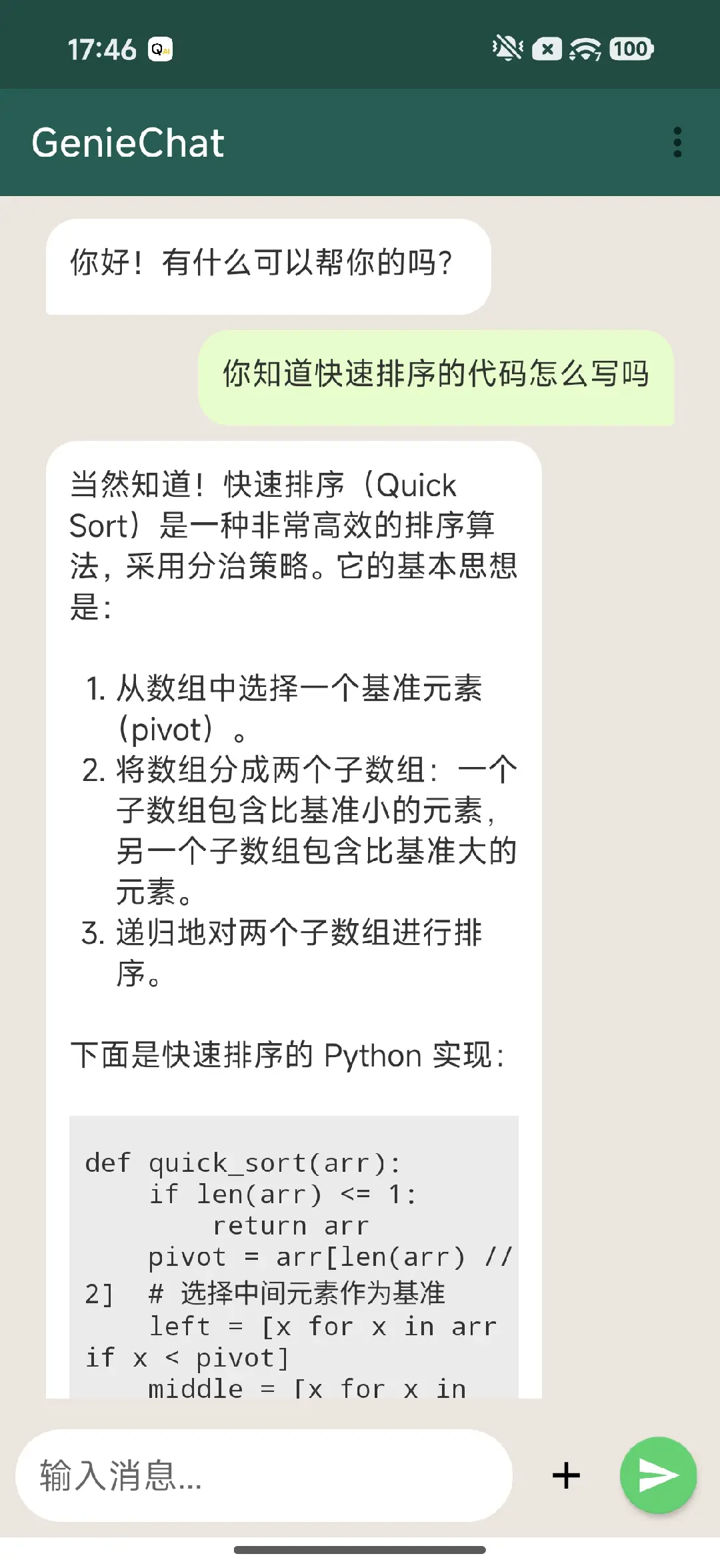
samples\android\GenieChat使用说明: 请使用 Android Studio 打开该目录,进行编译并安装到设备上,配合已安装的 GenieAPIService 使用。